
7 Product Photo Secrets That Boost E-commerce Conversions
Your product photos have less than 3 seconds to capture attention in a crowded feed. Learn the proven techniques professional photographers use to create scroll-stopping images that turn browsers into buyers, and discover how modern tools are making studio-quality results accessible to every seller.
7 Product Photography Secrets That Turn Browsers Into Buyers
Every day, millions of product images compete for attention in crowded marketplaces. Your customers scroll past hundreds of listings before something finally makes them stop. What separates the photos that convert from the ones that get ignored?
After analyzing thousands of high-performing product listings across Amazon, Etsy, and Shopify stores, we've identified the key elements that make buyers click "Add to Cart."
1. Master the Hero Shot
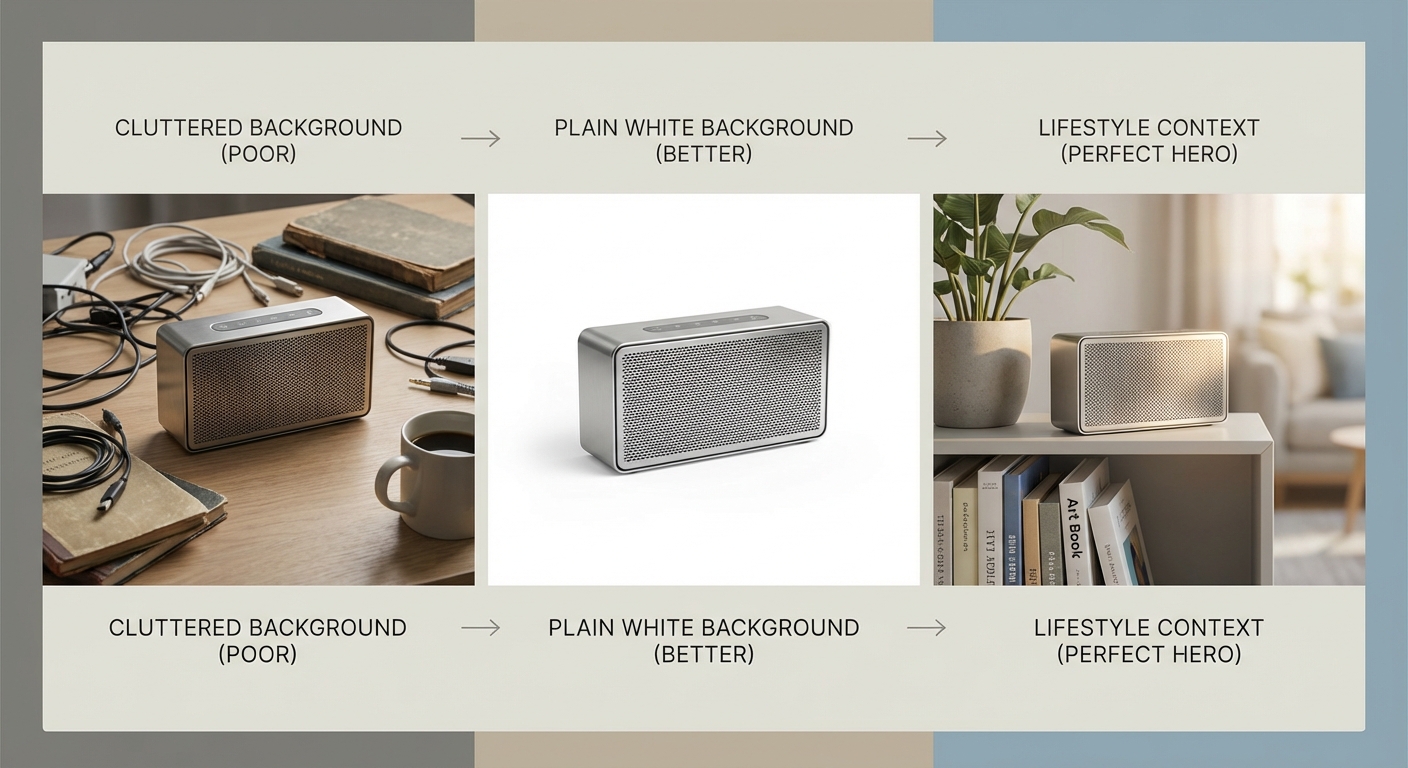
Your main image carries the heaviest burden. It must communicate what your product is, why it matters, and why someone should click—all within a split second.
The most effective hero shots share three qualities:
- Clean backgrounds that eliminate distractions
- Optimal angles that showcase the product's best features
- Professional lighting that creates depth and dimension
White backgrounds remain the gold standard for marketplace listings, but lifestyle contexts often outperform on social media and direct-to-consumer sites.
2. Show Scale and Context
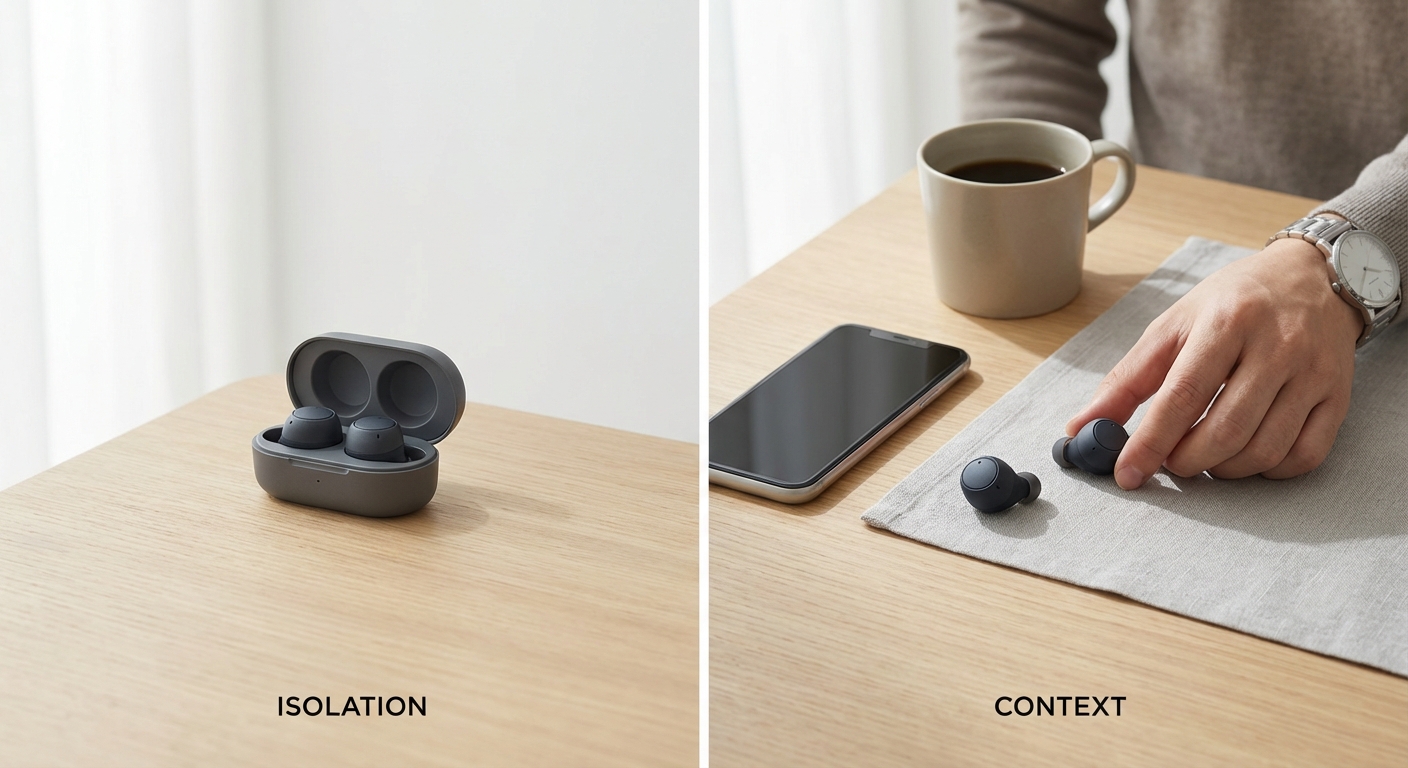
One of the biggest conversion killers is size uncertainty. When shoppers can't gauge how big or small your product is, they hesitate to buy.
Solve this by including at least one image that shows your product in context:
- A coffee mug next to a laptop
- A piece of jewelry on a model's hand
- A gadget sitting on a desk
These reference points eliminate guesswork and build confidence.
3. Highlight Details That Matter
Zoom in on the features that differentiate your product:
- Stitching quality on leather goods
- The texture of fabric
- The finish on metal hardware
These detail shots serve two purposes: they demonstrate quality and they answer questions before shoppers need to ask.
Pro tip: Think about the questions your customer support team receives most frequently. Then create images that answer those questions visually.
4. Use Lighting to Create Emotion
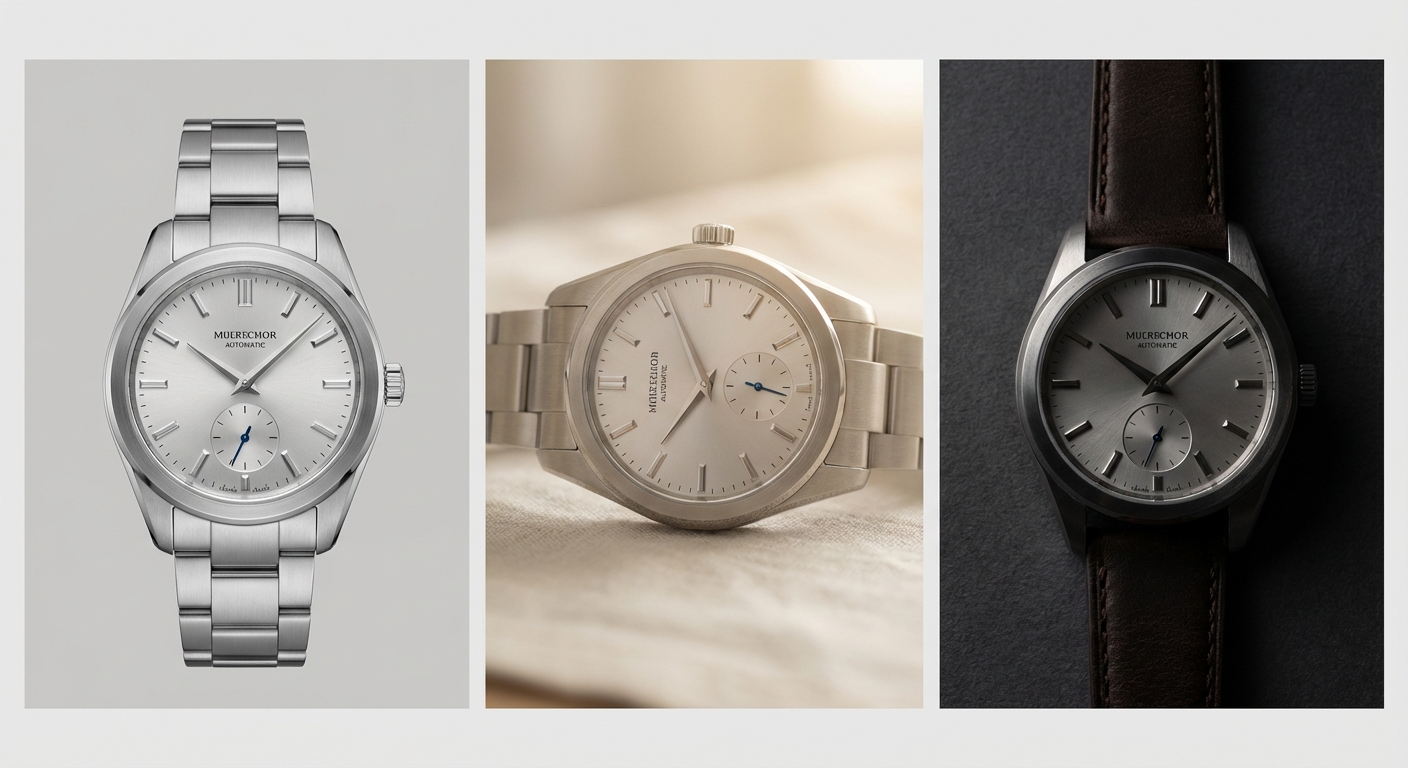
Flat, shadowless lighting might work for technical documentation, but it does nothing to make products desirable.
| Lighting Type | Best For | Effect |
|---|---|---|
| Soft, diffused | Most products | Gentle shadows, professional look |
| Dramatic | Premium/luxury items | Conveys exclusivity |
| Natural | Lifestyle shots | Authentic, aspirational |
Strategic shadows add dimension. Highlights create visual interest. The interplay between light and dark tells your product's story.
5. Create Lifestyle Aspirations
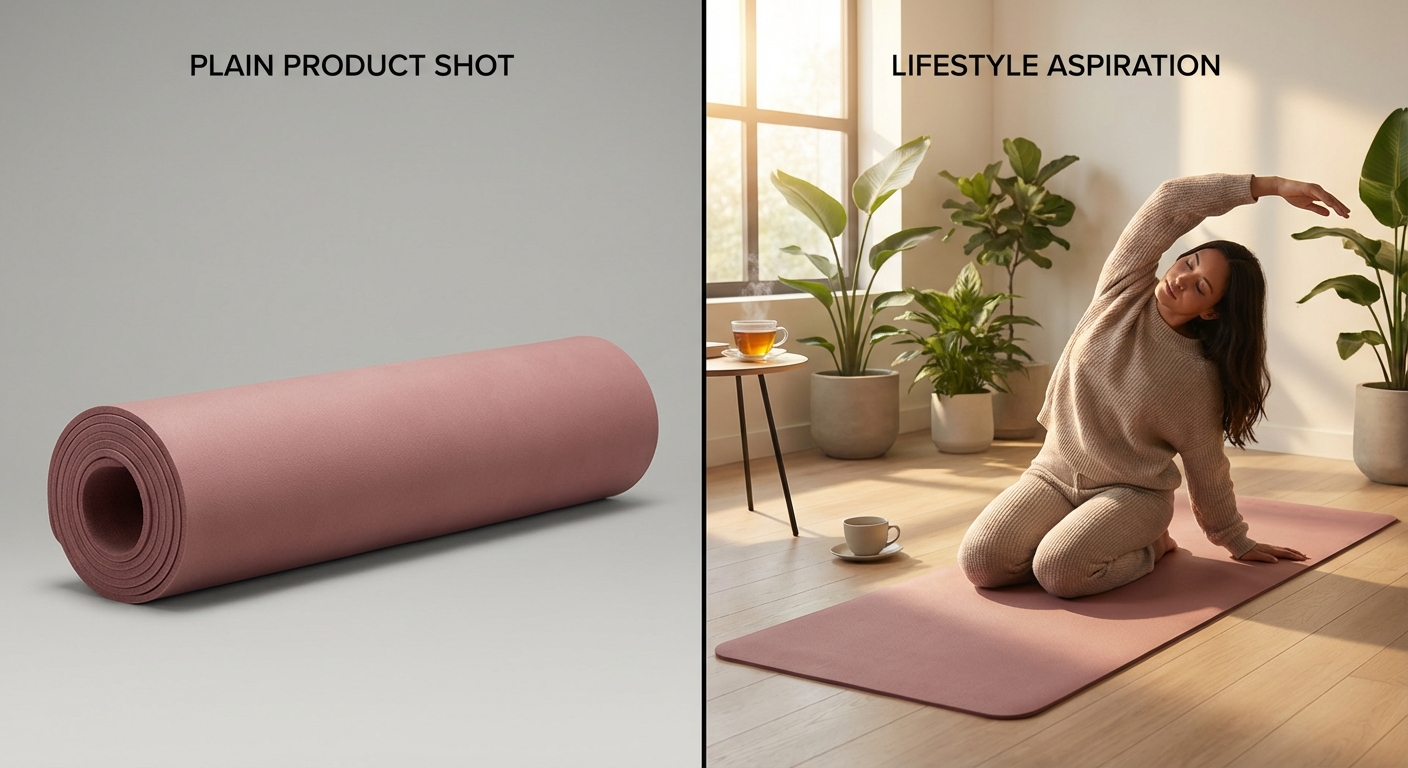
People don't buy products—they buy the life they imagine having with those products.
A yoga mat photographed on a plain background is just equipment. That same mat in a serene studio with morning light streaming through windows? That sells a lifestyle.
Your lifestyle images should answer: "How will I feel when I own this?"
6. Maintain Visual Consistency
Your product photos should feel like they belong together:
- Consistent lighting style
- Unified color palette
- Cohesive composition across your catalog
This consistency extends to marketplace listings too. When a shopper views multiple products from your store, visual coherence signals professionalism and reliability.
7. Optimize for Every Platform
A single set of product photos rarely works everywhere:
| Platform | Format | Context |
|---|---|---|
| Square | Lifestyle | |
| Amazon | White background | Product-focused |
| Vertical | Text overlays |
Create a photography system that produces variations optimized for each channel where you sell.
The Technology Advantage
Here's the reality most small sellers face: professional product photography traditionally required expensive equipment, studio space, and either significant skill or budget.
That equation is changing rapidly.
AI-powered photography tools now make it possible to transform basic product shots into professional marketing images without a studio. This democratization of professional photography levels the playing field.
Taking Action
Start by auditing your current product images against these seven principles. For most sellers, the biggest gains come from:
- Upgrading main images with cleaner backgrounds and better lighting
- Adding lifestyle context shots that create emotional connection
- Ensuring visual consistency across your entire catalog
You don't need to transform everything overnight. Pick your best-selling products first, improve their photography, and measure the impact on conversion rates.
The difference between a product that sells and one that sits unseen often comes down to a single compelling image. Make yours count.
Pixtify Team
AI Product Photography
Ready to transform your product photos?
Join thousands of sellers using AI to create professional product images in minutes.
Get Started FreeNo credit card required